Smart Speaker Setup & Voice Control Help Guide
Need Help Connecting Your Smart Speaker?
Setting up voice-enabled speakers should feel simple, but issues with Wi-Fi, mobile apps, device detection, or smart accessory pairing can make the process frustrating.
This guide explains the most common setup steps, practical troubleshooting methods, and easy optimization tips so your smart devices work smoothly together.
It is designed for modern voice-enabled home systems, wireless speakers, and connected lifestyle devices.
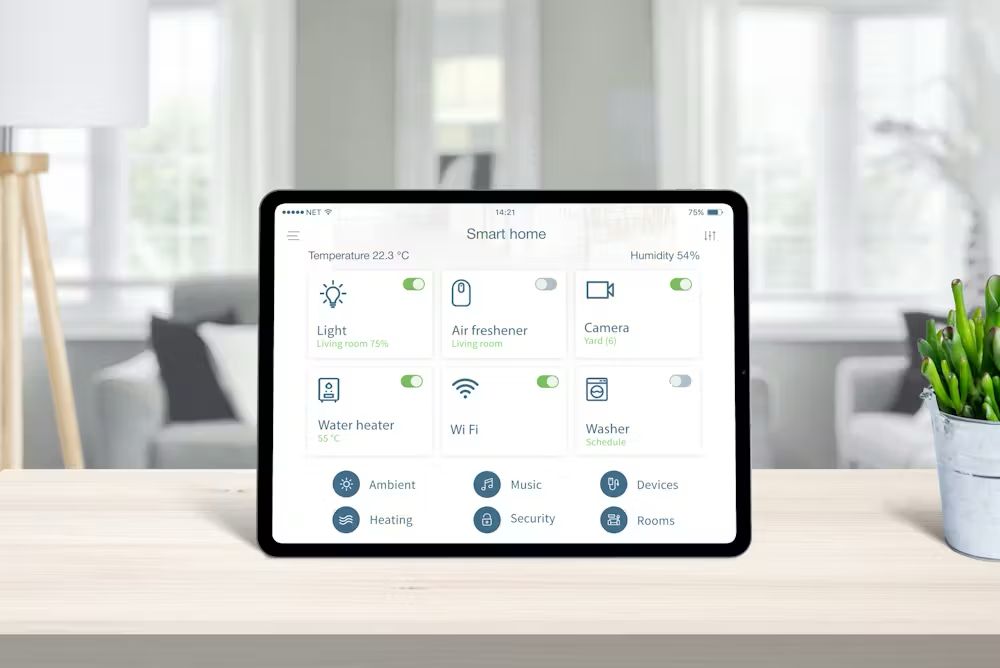
Who This Guide Helps
This information may be helpful if you are experiencing problems such as:
This setup guide is helpful if you are facing:
- Voice commands not responding
- Wi-Fi connection interruptions
- Mobile app not finding the device
- Smart plugs or lights not pairing
- Device setup freezing midway
- Music, routines, or schedules not working
- Voice assistant not controlling connected accessories
Independent Smart Living Assistance
Setup Help
Simple guidance for first-time device connection.
Performance Tips
Improve speed, responsiveness, and reliability.
Troubleshooting
Solve pairing, Wi-Fi, and app issues faster.
Optimization
Get better voice recognition and automation routines.
Frequently Seen Smart Speaker Problems
1) Wi-Fi Connection Issues
A strong internet connection is essential for voice-enabled devices.
Common causes:
- Weak router signal
- Wrong Wi-Fi password
- Dual-band switching issues
- Router restrictions
Quick Tip: Keep the speaker closer to the router during setup.
2) Mobile App Not Detecting Speaker
This often happens when:
- Bluetooth is disabled
- Location permission is off
- App permissions are incomplete
- Device is not in pairing mode
Suggested Fix: Restart the speaker, reopen the app, and enable permissions.
3) Smart Device Pairing Problems
For lights, plugs, and switches:
- Pair one device at a time
- Reset accessories before reconnecting
- Confirm wireless compatibility
- Keep accessories within network range
How Smart Speaker Setup Usually Works
Although different brands may have slightly different interfaces, most smart speakers follow a similar setup flow. Understanding this flow makes troubleshooting much easier.
Step 1 — Prepare the Device
- Connect to power
- Place near Wi-Fi router
- Avoid interference areas
- Confirm stable internet
Step 2 — Open the Mobile App
- Search for nearby devices
- Select your speaker
- Choose Wi-Fi network
- Set language and preferences
Step 3 — Connect Home Devices
- Pair lights, plugs, TVs, or speakers
- Group rooms if
- Assign voice names
- Test responses
Step 4 — Test Voice Commands
Try:
- music playback
- volume controls
- smart lights
- timers
- routines
- room groups
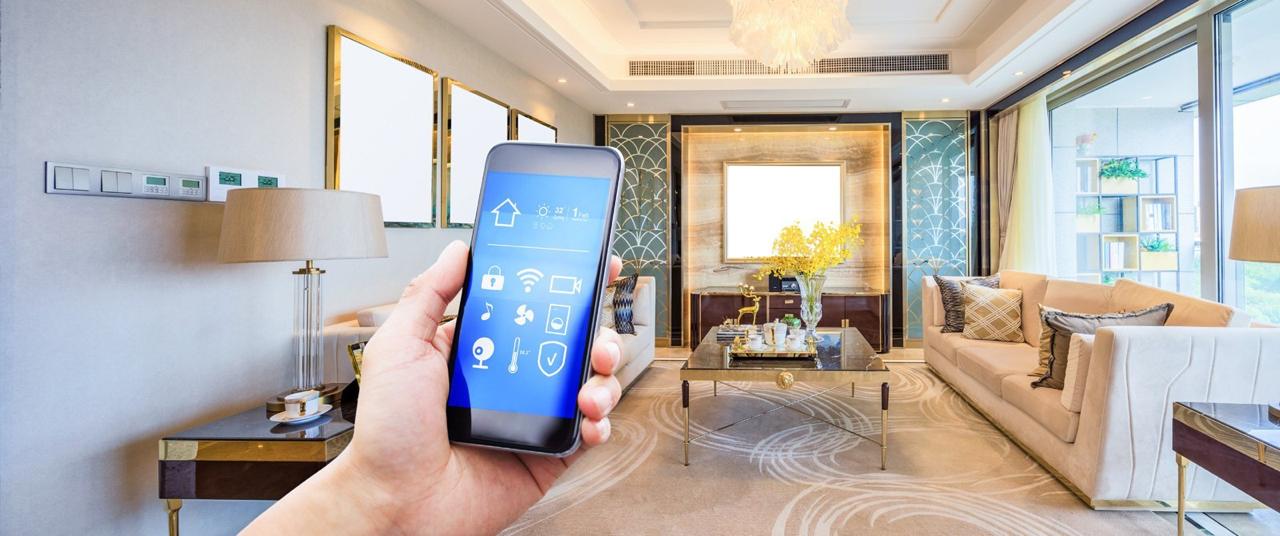
About Us
autolivingstore.store is an independent informational resource focused on smart living guidance, voice-enabled home systems, and connected device education.
We provide general educational content, setup best practices, and practical troubleshooting information for users building smarter living spaces.
What We Help With
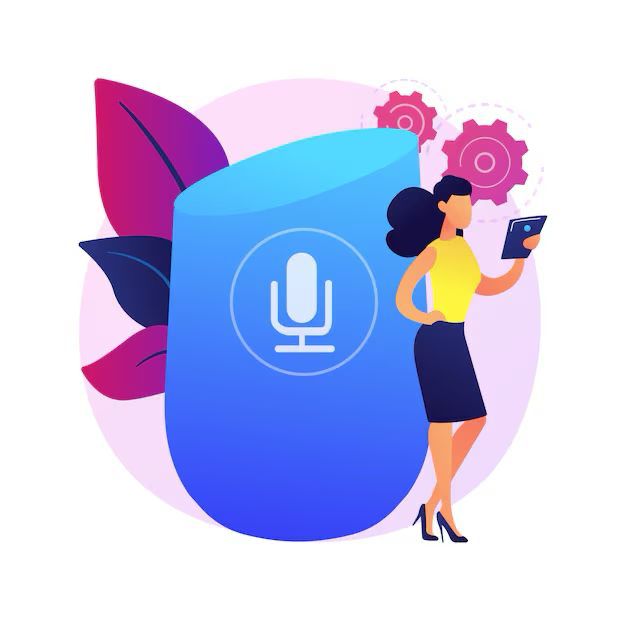
We provide independent educational assistance for:
- Smart speaker setup guidance
- Connected home ecosystem planning
- Device pairing best practices
- Voice automation workflows
- Smart lifestyle optimization
- Home device expansion planning
IMPORTANT NOTICE
Independent Educational Resource
We operate as an independent guidance platform.
- No official manufacturer affiliation
- No brand-authorized services
- No warranty or hardware claims
- All product names belong to their owners
This content is intended for general educational and informational purposes only.
Request a Consultation
Disclaimer
This website serves as a general knowledge resource focused on common smart device topics. It is not affiliated with or endorsed by any official brand or company, including Amazon Alexa. |
| No services, consultations, or paid assistance are offered. The content is intended only to provide general understanding and guidance. |
| We do not collect personal information or require user registration. All information is accessed freely and voluntarily. |
| For official device , users should contact the original manufacturer directly. |
© 2026 autolivingstore.store. All rights reserved.